
Online help
The web host accessible to all
Procédure
It allows you to display external connections to your server(access.log) or operating errors(error.log).
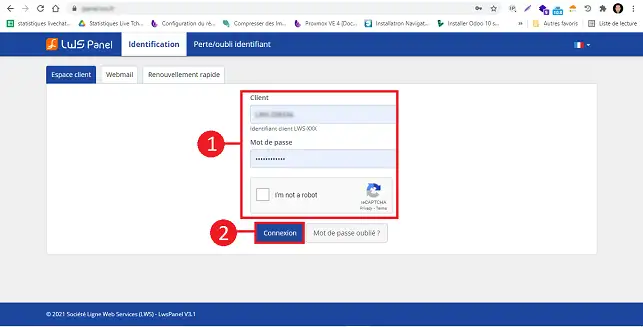
1. Log in to the LWS customer area
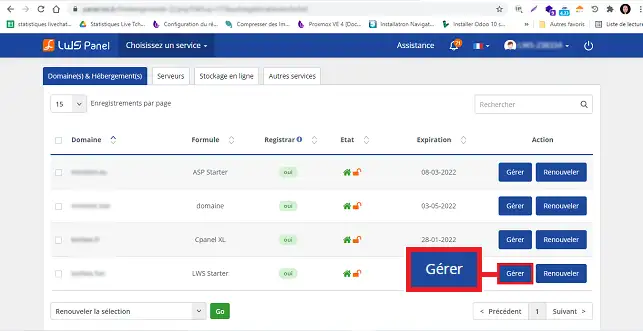
2. Click on the"Manage" button behind the package for which you wish to access the various logs.
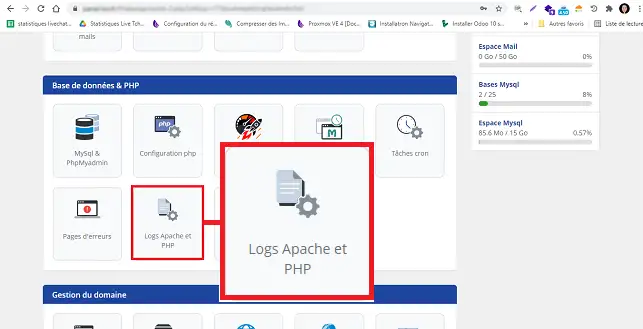
3. Click on the"Apache and PHP logs" button in the"Database and PHP" section.
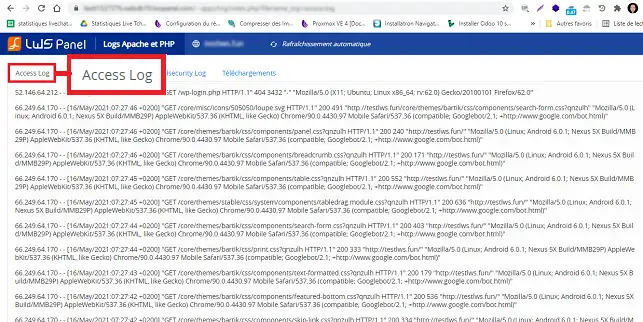
4. A new page will open, allowing you to access the acces.log file. The acces.log file contains all the file requests made by your visitors or robots browsing your website.
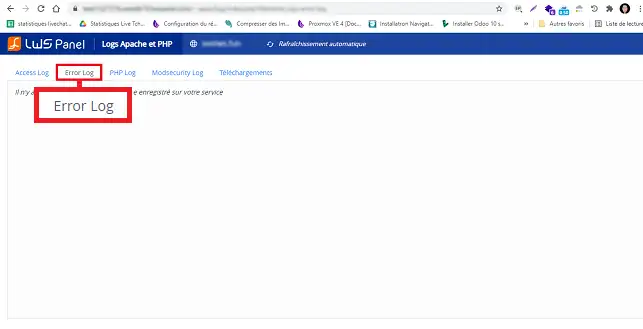
5. By clicking on the"Error.log" tab, you can access all the errors encountered by the web server when processing requests.
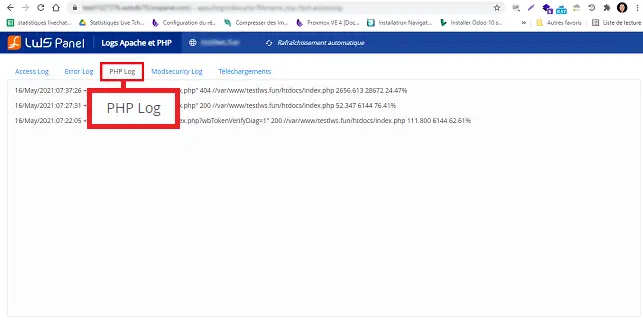
6. You can click on the"PHP.log" tab to access the PHP log for your web hosting package.
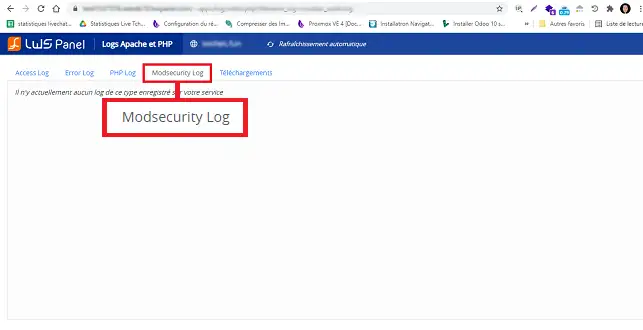
7. Click on the"ModSecurity.log" tab to access the ModSecurity application firewall log.
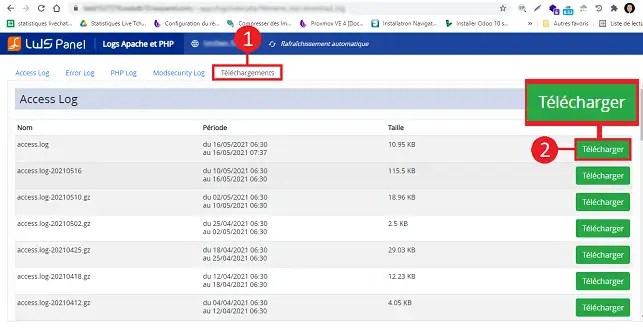
8. The"Download" tab allows you to download the log file(s) you require. To do this, click on the"Download" button behind the log concerned.
You can now access the Apache / PHP logs on your shared hosting with LWS. Apache logs allow you to display connection logs, as well as PHP errors on your website.
Don't hesitate to share your comments and questions!
Ask the LWS team and the community. Answers are published after moderation.
 About LWS :
LWS is a 100% French web hosting company that focuses on quality and innovation and offers a responsive and competent technical service at affordable prices.
About LWS :
LWS is a 100% French web hosting company that focuses on quality and innovation and offers a responsive and competent technical service at affordable prices.



 Yes
Yes No
No