
Online help
The web host accessible to all
Procédure
Hestia Control Panel is an open-source interface ideal for simplified server management. Inspired by the popular Vesta Control Panel, HestiaCP is designed to make it easier to manage multi-site web servers on Linux. Its user interface, translated into several languages, is intuitive and user-friendly. It allows users to easily manage their web servers, databases, and mail services, without requiring advanced technical skills in systems administration.
Managing your sites, databases (including MySQL, but also PostgreSQL), and mail server is done directly from your favorite browser, thus offering maximum flexibility and accessibility. HestiaCP optimizes server resource usage and improves the performance of hosted sites. To discover all its features, you can access an online demo on the Hestia Control Panel website.
Go to https://vpsXXXX.serveur-vps.net:8083
(Note: vpsXXXX should be replaced with your VPS number, for example: https://vps1234.serveur-vps.net:8083
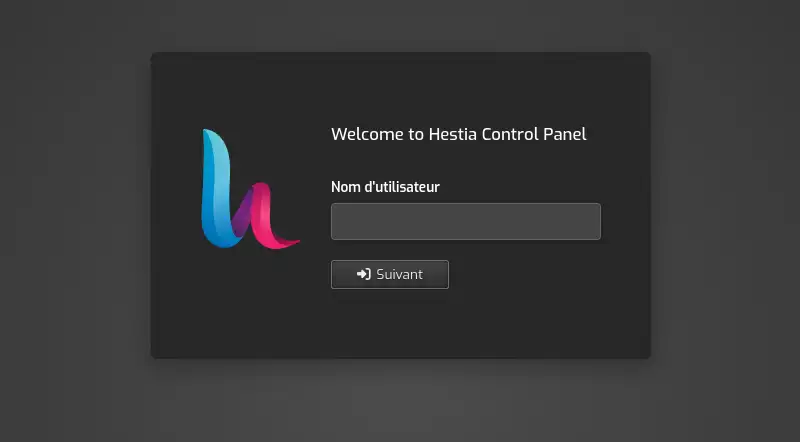
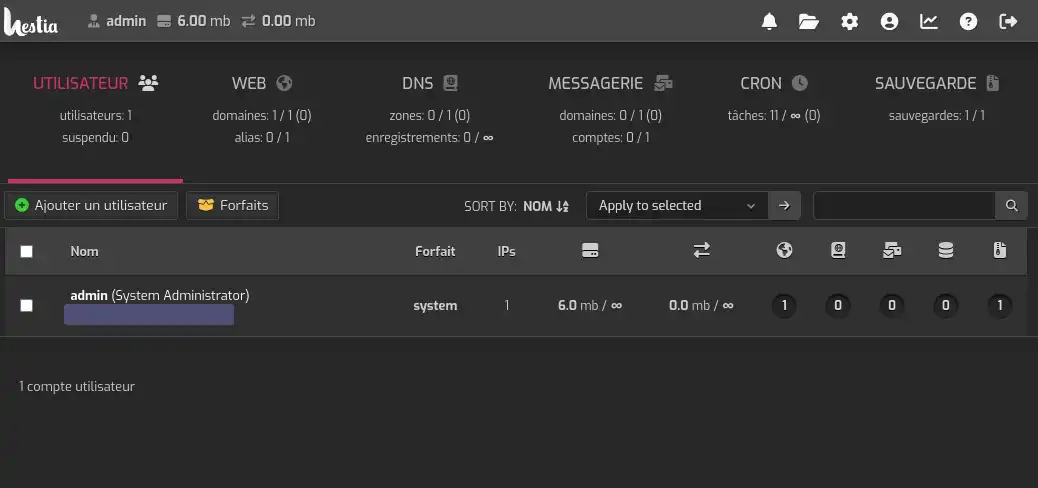
You are now connected to your Hestia Control Panel panel.
If you have root SSH access to your VPS, you can change the password with a tool provided by HestiaCP.
If you do not have the root password for your VPS, this procedure is not available to you: open a ticket from your customer area (Support, then Contact support) indicating your server reference (VPS-…).
Here is the procedure, with root SSH access:
Connecting to your VPS via SSH on Windows :
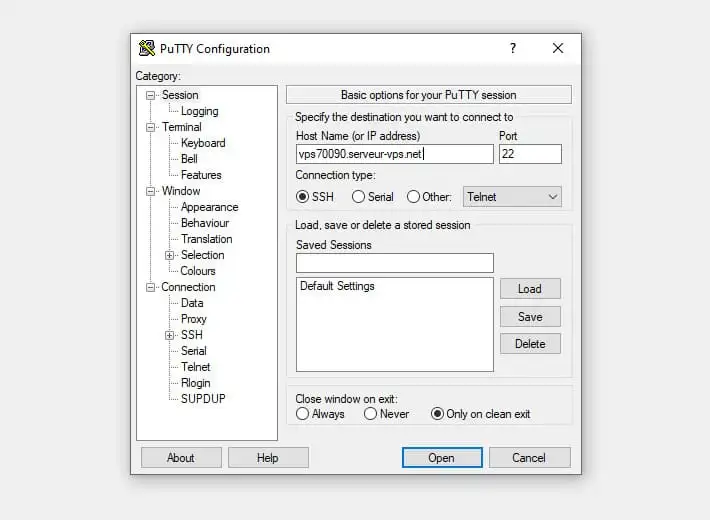
Changing the password via the Hestia command :
/usr/local/hestia/bin/v-change-user-password USER NEW_PASSWORDUSER with the username for which you want to change the password.NEW_PASSWORD with the new password you want to set.
Running the command :
Verification :
You now know how to:
Congratulations 👏 ! You now have everything you need to manage your server with ease and efficiency. Don't forget that HestiaCP's user-friendly interface is designed to make your web administration experience easier, even without advanced technical skills.
Thank you for reading this article 📘. If you have any questions or would like to share your experience with Hestia Control Panel, feel free to leave a comment below. Your feedback is valuable to us and to the community!
To discover high-performance, ready-to-use hosting solutions, check out our offers for turnkey VPS servers equipped with HestiaCP. Click here 👉 Discover our HestiaCP offers.
Ask the LWS team and the community. Answers are published after moderation.
 About LWS :
LWS is a 100% French web hosting company that focuses on quality and innovation and offers a responsive and competent technical service at affordable prices.


 Yes
 No