
Online help
The web host accessible to all
Procédure
When it comes to creating a website with WordPress, installing the system is an essential step. With the LWS auto-installer, you have a practical and easy-to-use tool for installing WordPress quickly and efficiently.
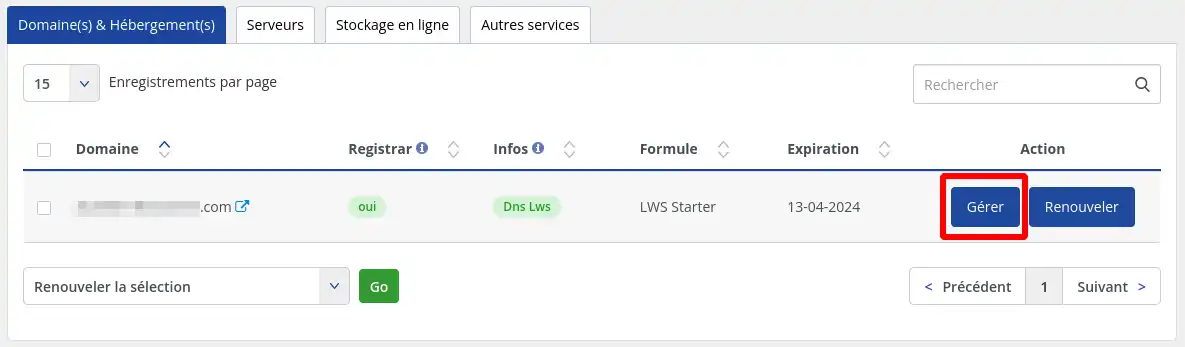
1 Log in to your customer account and click on"Manage" next to the domain you wish to install.
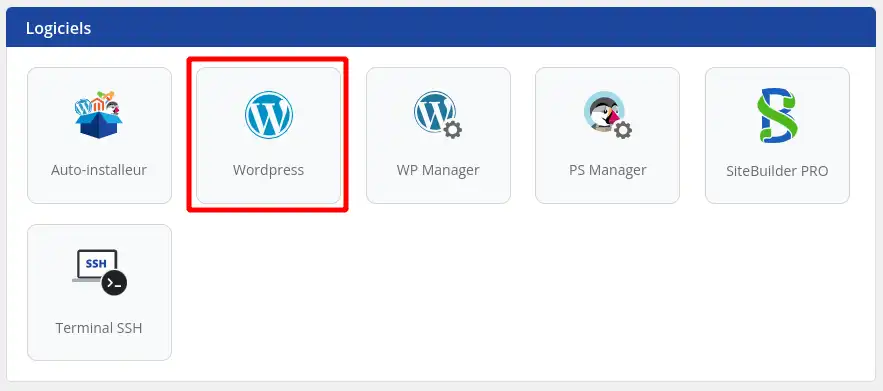
2. Click on the"Auto-installer" button under"Software".
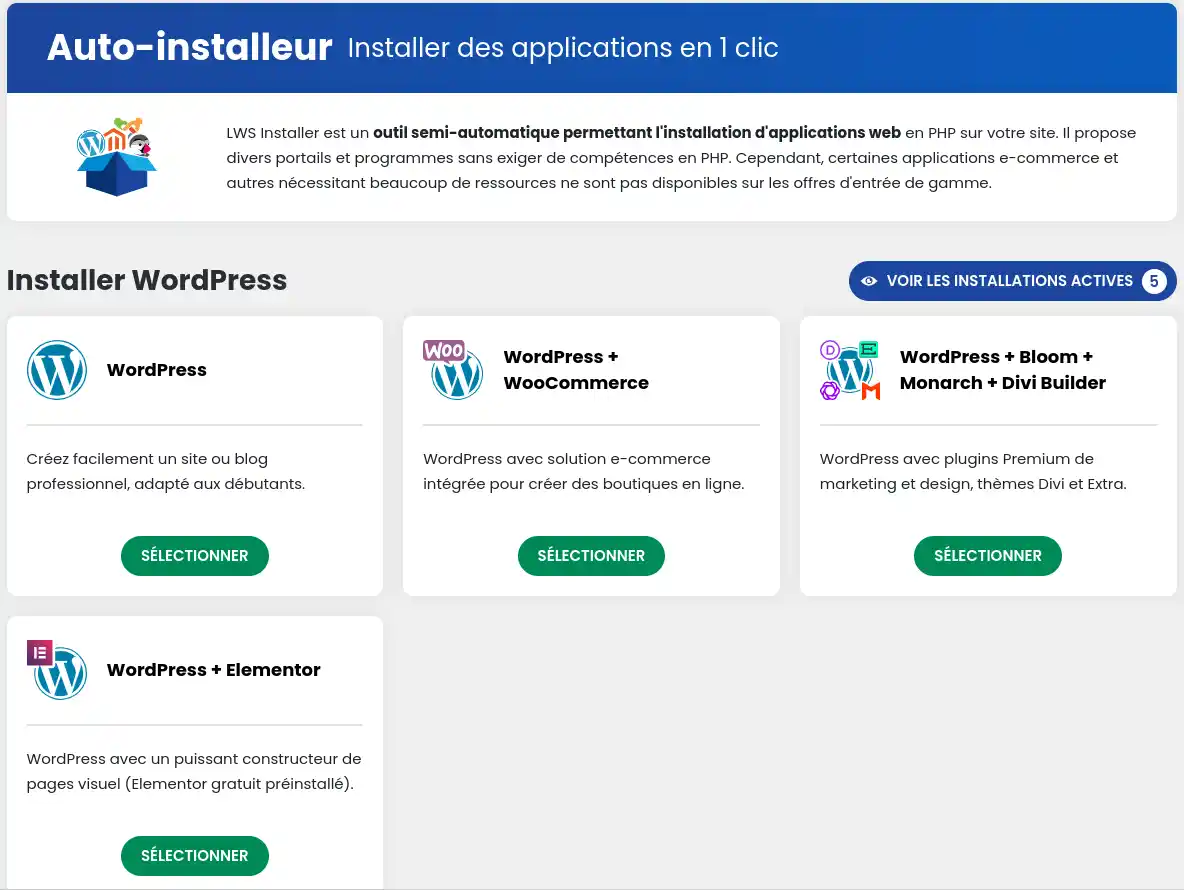
3. Then select the version of WordPress you wish to install.
4. enter the address at which your website will be accessible
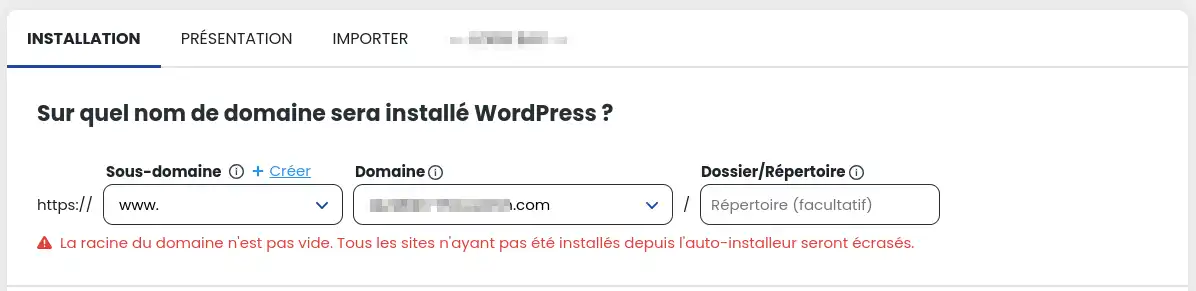
From this form, you can select on which sub-domain the application will be installed (e.g. https://boutique.mondomaine.com), and from which domain it will be available if you are using the multi-domain feature. You can also specify a specific directory if you want to install several sites on the same domain (e.g. https://mondomaine.com/boutique).
You can configure various parameters such as the administrator account or the site name, and choose which plugins or themes to pre-install.
5. Then enter the email address that will receive the connection parameters and click on the "Install" button.

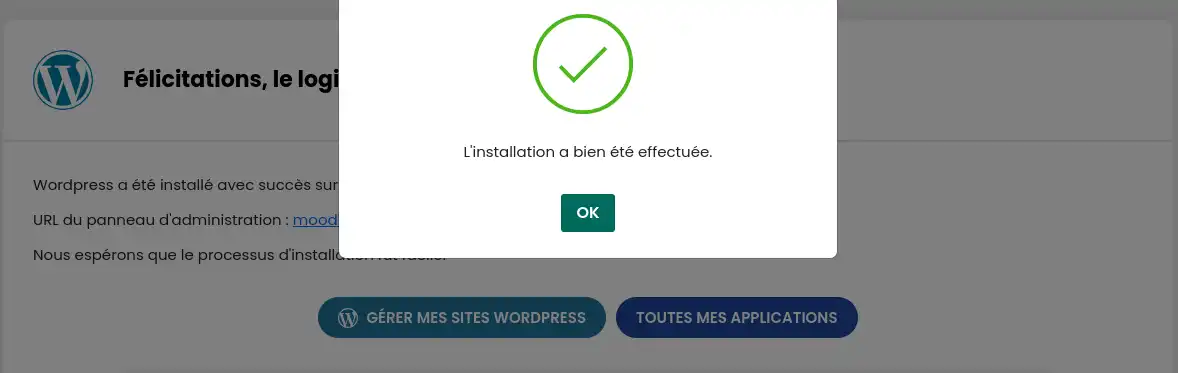
6. Installation takes place...

... and you should receive a confirmation once the installation is complete.
Ask the LWS team and the community. Answers are published after moderation.
 About LWS :
LWS is a 100% French web hosting company that focuses on quality and innovation and offers a responsive and competent technical service at affordable prices.
About LWS :
LWS is a 100% French web hosting company that focuses on quality and innovation and offers a responsive and competent technical service at affordable prices.



 Yes
Yes No
No