
Online help
The web host accessible to all
Procédure
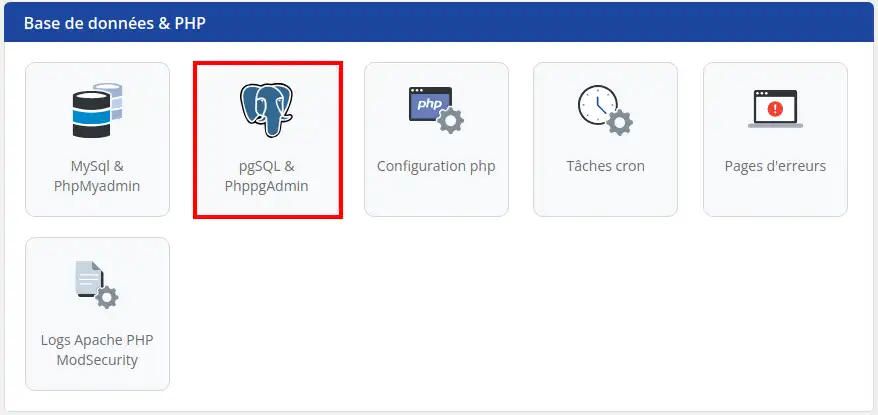
Step 1 : Connect to your hosting and click on"PostgreSQL & PhPpgAdmin".
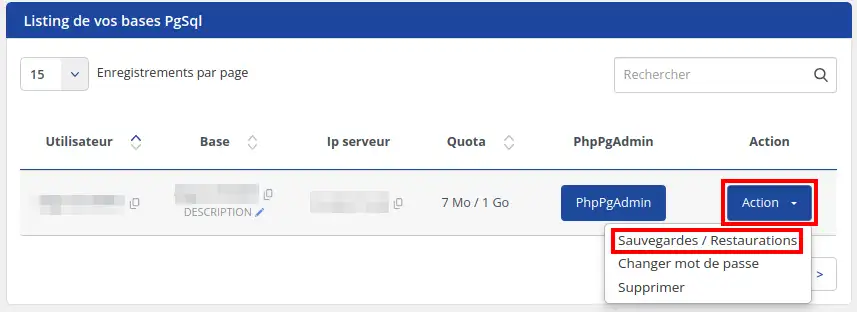
Step 2 : Click on the "Action " button corresponding to the database you wish to restore and then on "Backups / Restores".
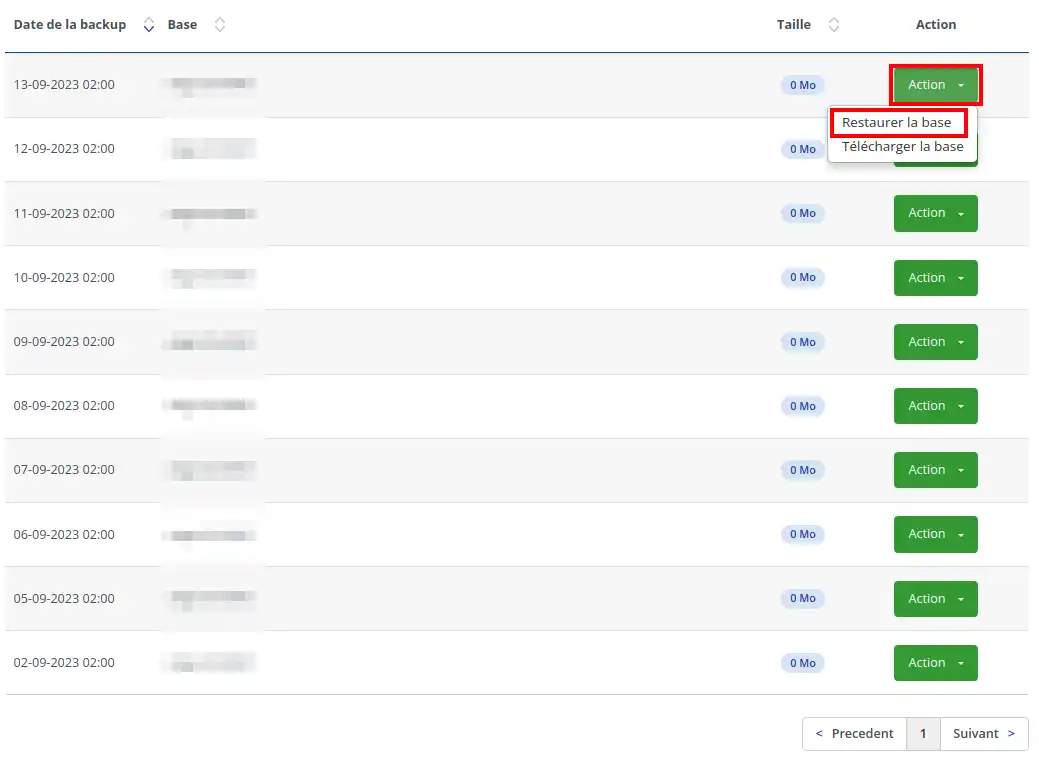
Step 3 : Choose the date for which you want your database restored, click on "Action", then "Restore database".
Ask the LWS team and the community. Answers are published after moderation.
 About LWS :
LWS is a 100% French web hosting company that focuses on quality and innovation and offers a responsive and competent technical service at affordable prices.
About LWS :
LWS is a 100% French web hosting company that focuses on quality and innovation and offers a responsive and competent technical service at affordable prices.



 Yes
Yes No
No