
Online help
The web host accessible to all
Procédure
Hestia Control Panel (HestiaCP) is a modern VPS control panel that simplifies web server management, providing an intuitive user interface for web hosting, domain management, email management and MySQL and PostgreSQL databases.
At LWS, we offer a Debian 12 VPS template with HestiaCP pre-installed, allowing you to easily manage your websites.
To start using it, install the template and follow this tutorial.
Open your browser and go to the URL in the delivery email.
https://vpsXXXXX.serveur-vps.net:8083Replace vpsXXXXX with your VPS number.
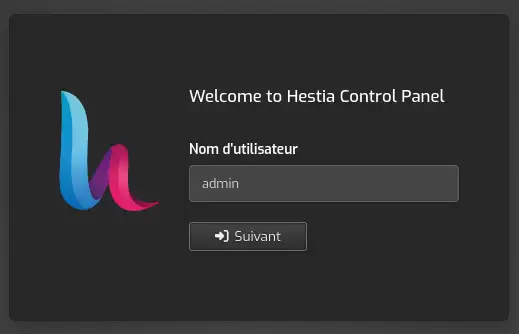
To connect to HestiaCP, use these identifiers:
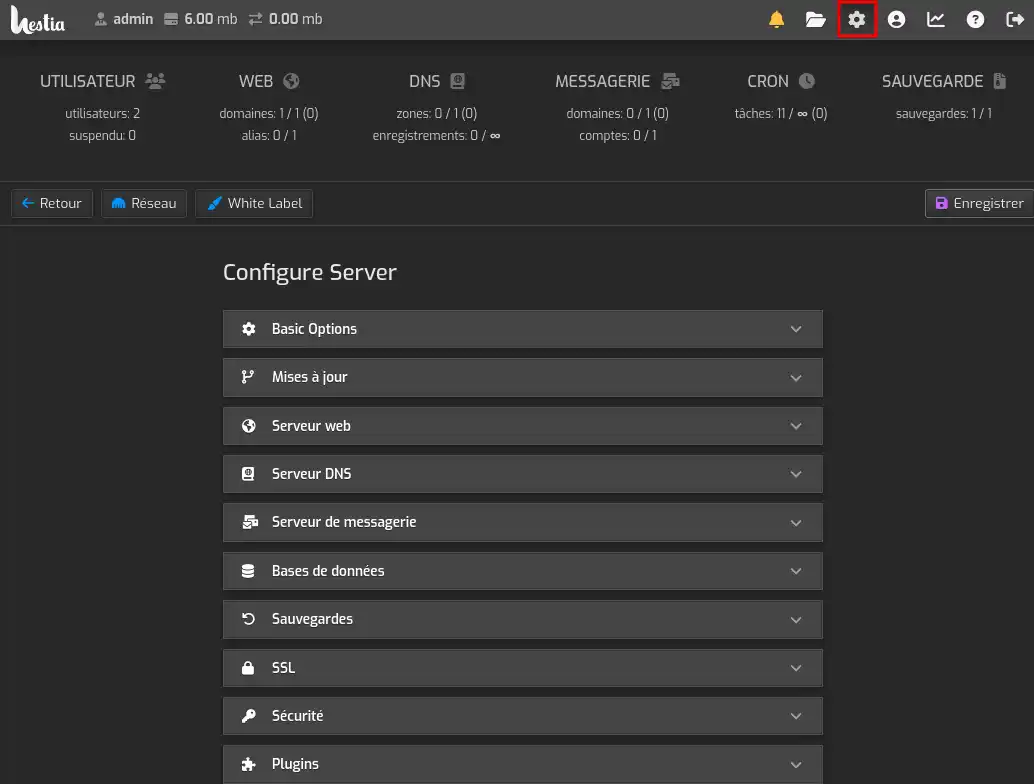
Familiarise yourself with the functions of the panel. It lets you manage your web server, your mail server, your MySQL / PostgreSQL databases, as well as many other things, such as the firewall, local backups, scheduled tasks (cron), etc...
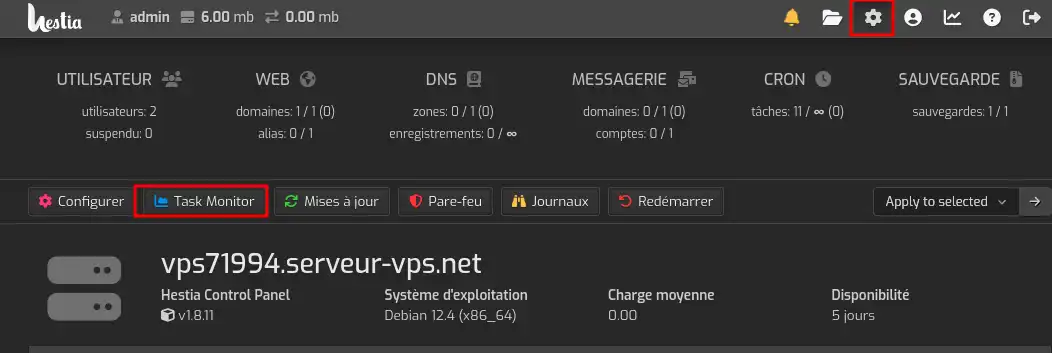
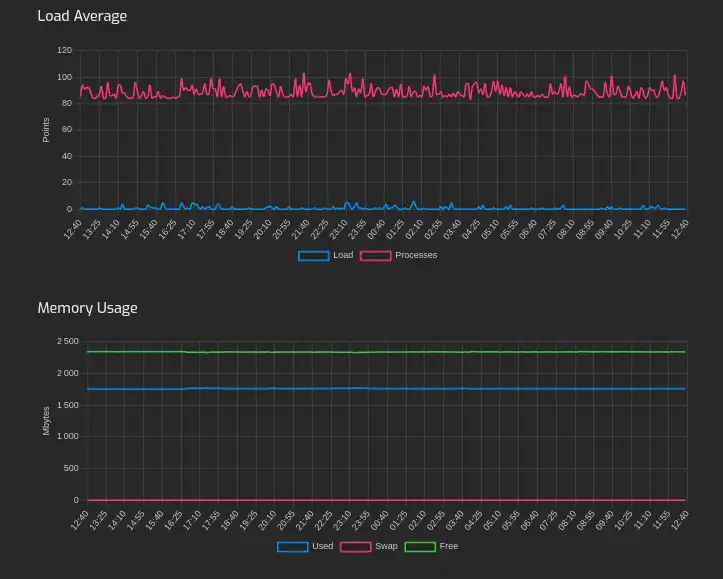
You can also use the panel to monitor the resources used by the VPS.
You can manage your websites from the "WEB" section. Simply add a domain by clicking on the corresponding button.
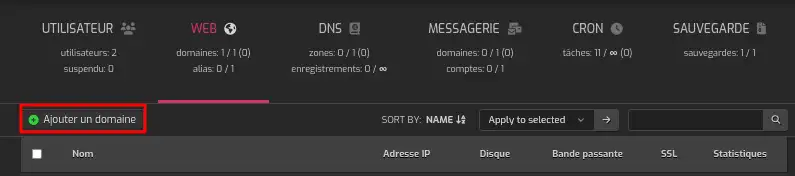
You can of course secure your websites by installing an SSL certificate (Let's Encrypt or custom) directly from the panel.
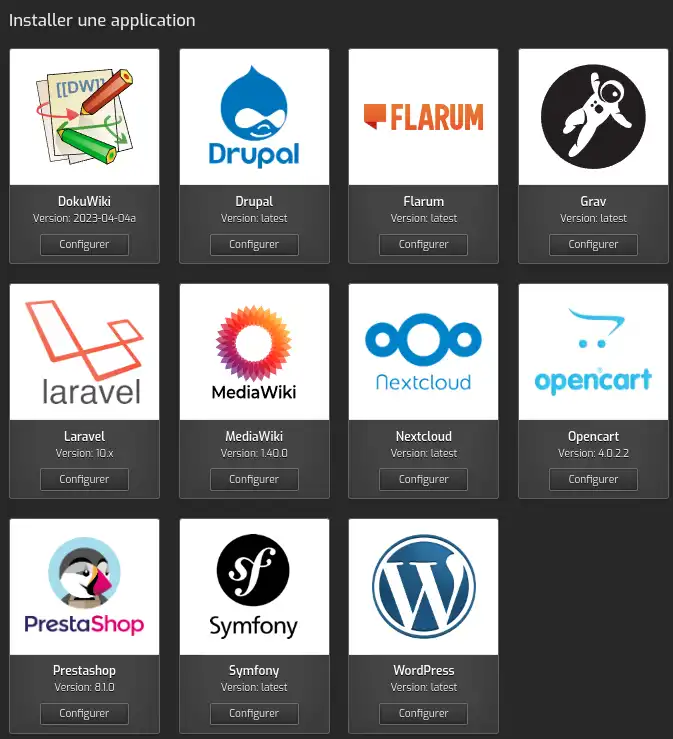
An automatic application installer is also available to make it easier to deploy CMS and frameworks (Wordpress, Prestashop, Nextcloud, Laravel, Symphony, etc.).
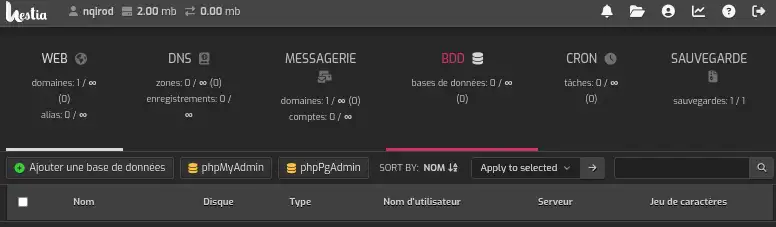
Use the Hestia Control Panel to easily create and manage your MySQL and PostgreSQL databases. PhpMyAdmin and PhpPgAdmin are available to provide you with an easy management interface for your databases.
The Debian 12 (bookworm) + Hestia Control Panel template from LWS is a very good choice for administering your server and your sites with ease. Hestia Control Panel is very easy to use, has an intuitive interface and a wide range of features that make it a powerful tool for developers and site administrators.
To discover high-performance, ready-to-use hosting solutions, check out our offers for turnkey VPS servers equipped with HestiaCP. Click here 👉 Discover our HestiaCP offers.
Ask the LWS team and the community. Answers are published after moderation.
 About LWS :
LWS is a 100% French web hosting company that focuses on quality and innovation and offers a responsive and competent technical service at affordable prices.
About LWS :
LWS is a 100% French web hosting company that focuses on quality and innovation and offers a responsive and competent technical service at affordable prices.



 Yes
Yes No
No