
Online help
The web host accessible to all
Procédure
iThemes Security Pro makes it easy to secure and protect your WordPress website. This plugin is easy to use and allows you to secure your site with ease and protect yourself from vulnerabilities, thus guaranteeing the smooth running of your site.
Here we'll look at how to install this module free of charge on our WordPress site.
Before you can install iThemes Security on your Wordpress site, you first need to retrieve the module from the GPLDL site.
1. In order to download the module from their site, you will first need to create an account on this platform.
2. Once you have registered and logged in, go to the search page and in the search bar type iThemes Security and click on "Search".
3. Three versions will be proposed, click on the Download button of the "iThemes - Security Pro WordPress Plugin" version to start downloading the module.
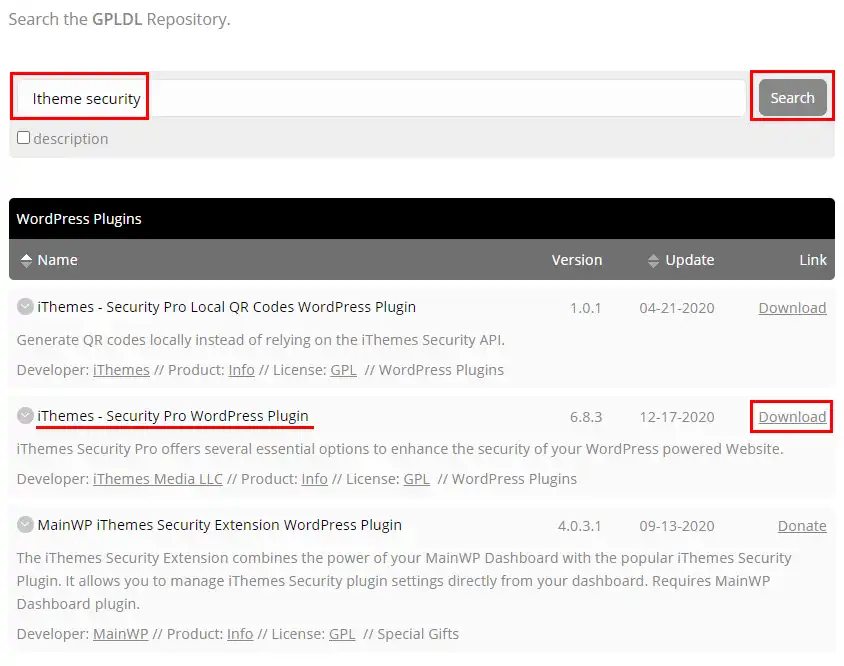
Now that you've downloaded the plugin, all you need to do is install it on your Wordpress site:
1. Connect to the administration of your Wordpress site
2. In the left-hand menu, click on Extension
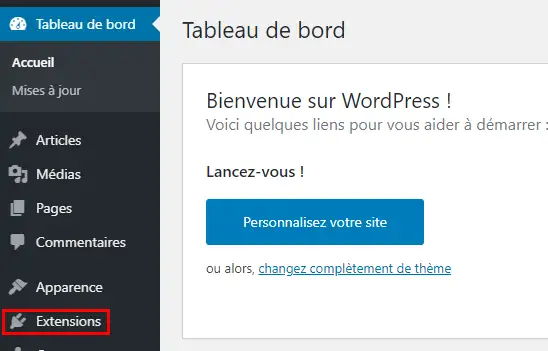
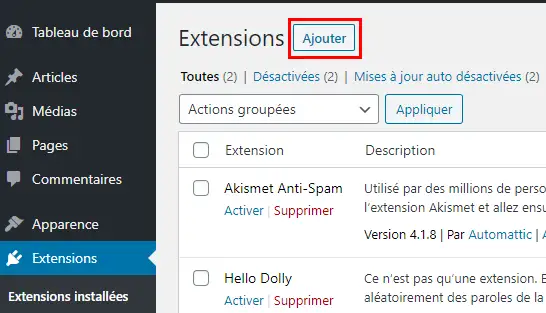
3. Then click on the "Add" button at the top of the page
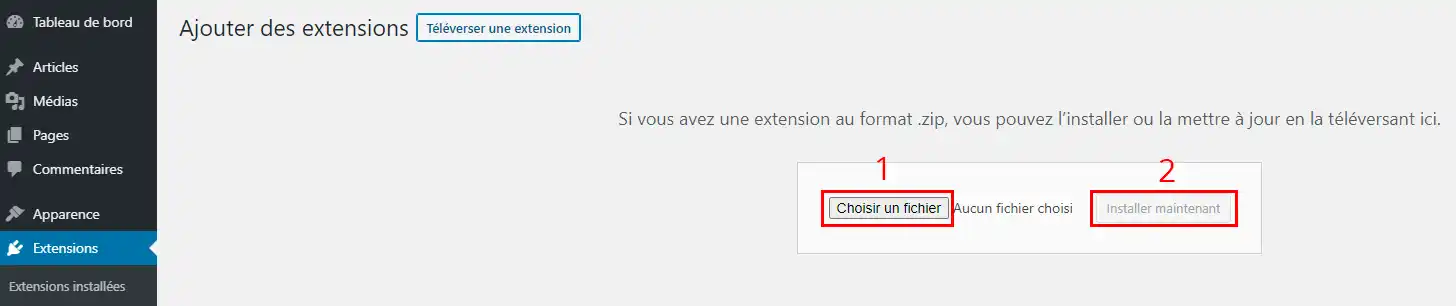
4. Then click on the "Upload an extension" button and then on "Choose a file". Select the file you wish to download from the GPLDL site, then click on "Install now".
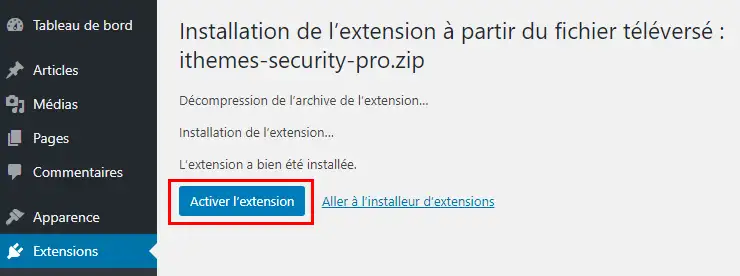
5. After a few seconds, the WP Rocket module is installed on your Wordpress site. All you have to do now is click on Activation to make it operational on your Wordpress site.
Ask the LWS team and the community. Answers are published after moderation.
 About LWS :
LWS is a 100% French web hosting company that focuses on quality and innovation and offers a responsive and competent technical service at affordable prices.
About LWS :
LWS is a 100% French web hosting company that focuses on quality and innovation and offers a responsive and competent technical service at affordable prices.



 Yes
Yes No
No