Contact us
 Customer Area


 Visit LWS
Rate this article :
This article was useful to you ?
 Yes
Yes
 No
No
 Article read
11175 once
Article read
11175 once Merci ! N'hésitez pas à
poser des questions sur nos documentations si vous souhaitez plus d'informations et nous aider à les
améliorer.
Merci ! N'hésitez pas à
poser des questions sur nos documentations si vous souhaitez plus d'informations et nous aider à les
améliorer.Vous avez noté 0 étoile(s)



Procédure
By default, after purchasing a domain name, a welcome page will be displayed if the domain name points to our services.
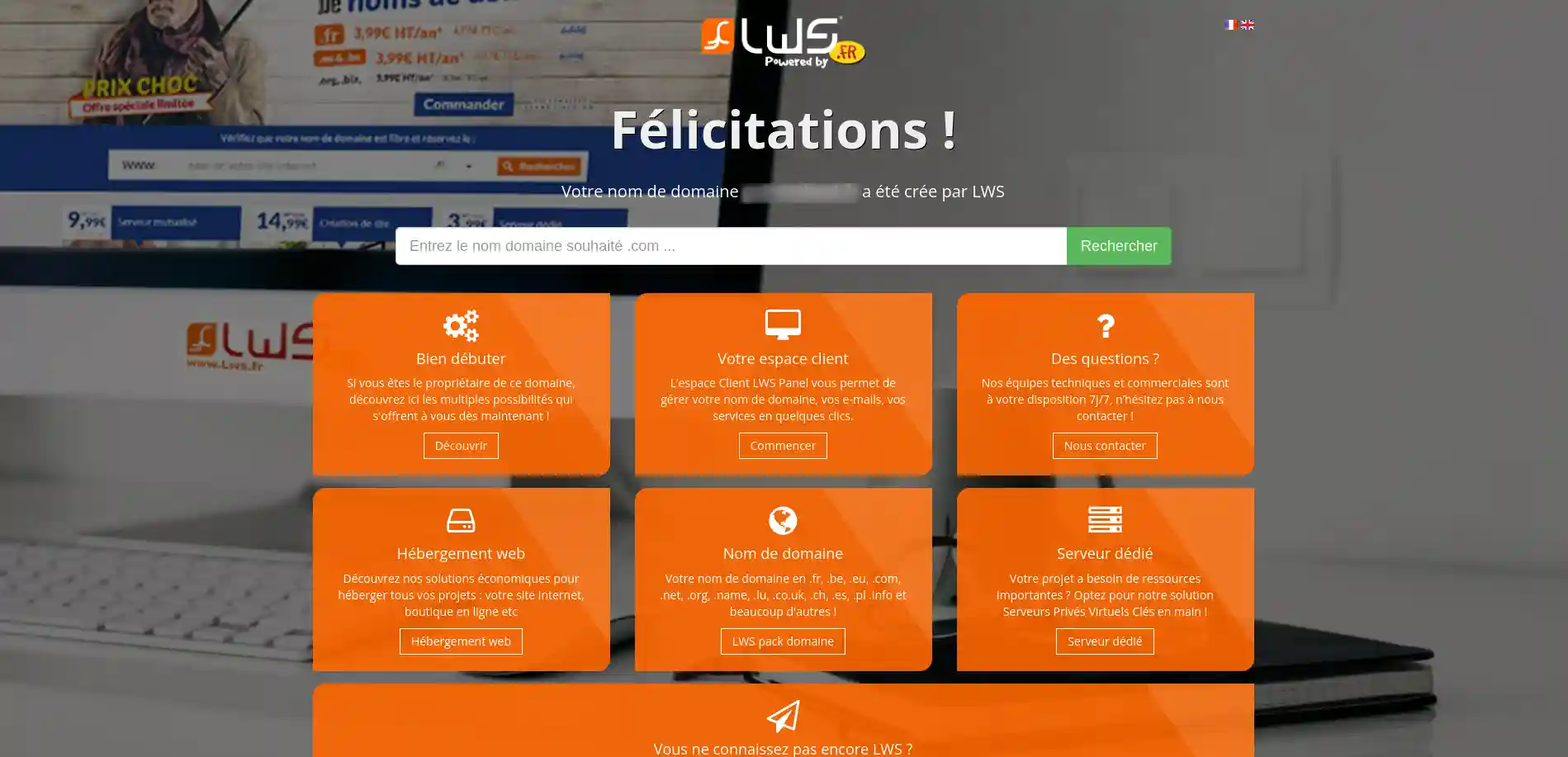
If you see this page when accessing your domain, it means that your domain is correctly configured on our services and that it is fully functional.
To remove it and display your website, simply publish your site on your hosting.
To publish your website, you can :
You now know how to deactivate your hosting's welcome page and display your own site on the Internet. Together we have gone through the key steps to :
By following these instructions, you can say goodbye to the generic page and hello to a website that truly reflects you or your company's identity. Thank you for reading this article 🙏. If you have any questions or would like to share your experiences, please feel free to leave a comment below 👇. Your feedback is valuable and helps us to continually improve our service.
Rate this article :
This article was useful to you ?
Yes
No
1mn reading
How do I publish a site with Toweb?
1mn reading
How do I publish a Webacappella website?
6mn reading
IMPORTANT - Tips to follow for publishing a website
18mn reading
How to migrate a WordPress site with the All-in-One WP Migration extension
 About LWS :
LWS is a 100% French web hosting company that focuses on quality and innovation and offers a responsive and competent technical service at affordable prices.
About LWS :
LWS is a 100% French web hosting company that focuses on quality and innovation and offers a responsive and competent technical service at affordable prices.