
Online help
The web host accessible to all
Procédure
By default, after purchasing a domain name, a welcome page will be displayed if the domain name points to our services.
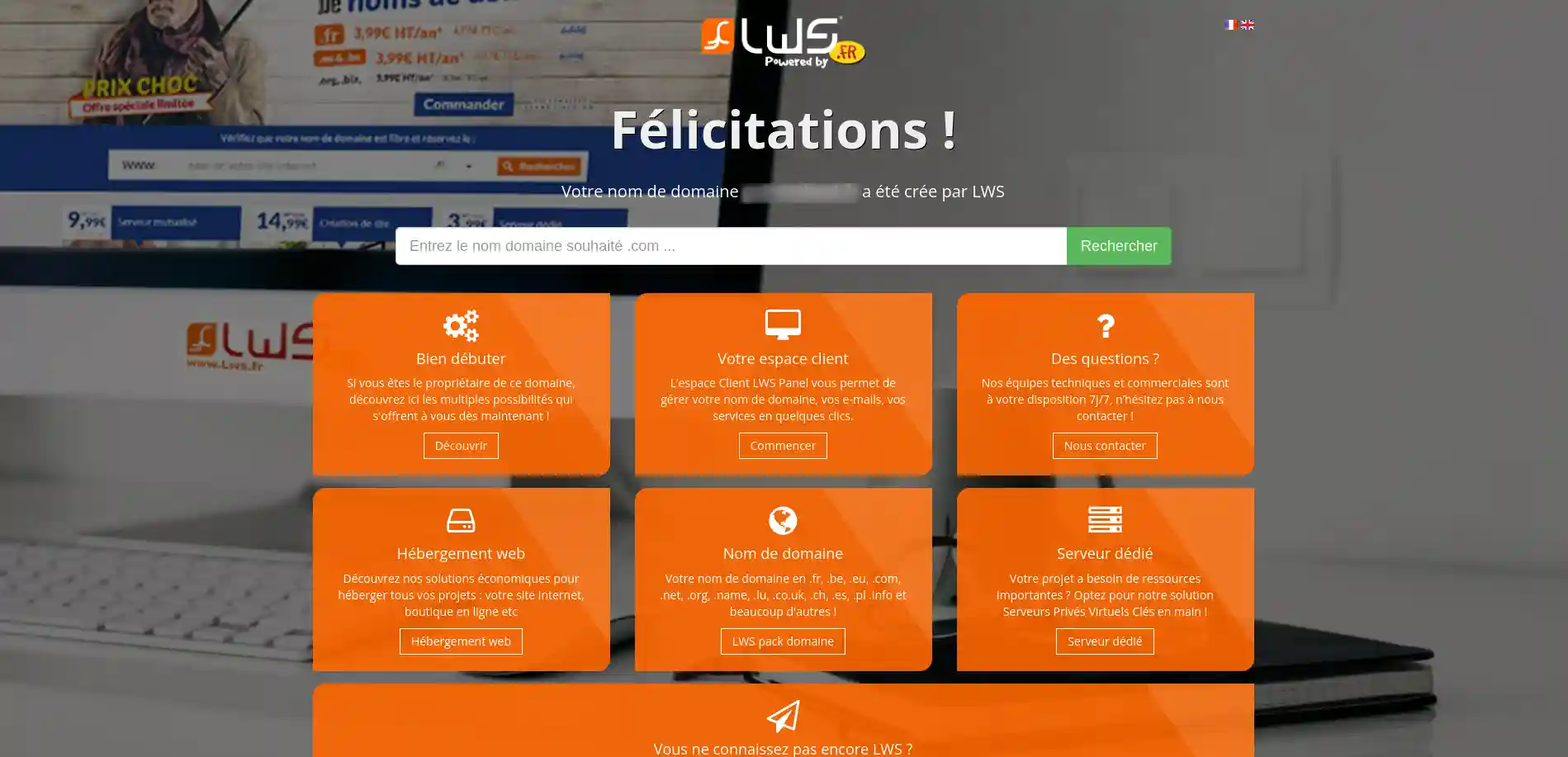
If you see this page when accessing your domain, it means that your domain is correctly configured on our services and that it is fully functional.
To remove it and display your website, simply publish your site on your hosting.
To publish your website, you can :
You now know how to deactivate your hosting's welcome page and display your own site on the Internet. Together we have gone through the key steps to :
By following these instructions, you can say goodbye to the generic page and hello to a website that truly reflects you or your company's identity. Thank you for reading this article 🙏. If you have any questions or would like to share your experiences, please feel free to leave a comment below 👇. Your feedback is valuable and helps us to continually improve our service.
Ask the LWS team and the community. Answers are published after moderation.
 About LWS :
LWS is a 100% French web hosting company that focuses on quality and innovation and offers a responsive and competent technical service at affordable prices.
About LWS :
LWS is a 100% French web hosting company that focuses on quality and innovation and offers a responsive and competent technical service at affordable prices.



 Yes
Yes No
No