


Procédure
Introduction
To manage your LWS hosting efficiently, it is important to know the IP addresses of your services. This information is useful for configuring your site, resolving problems, modifying DNS zones, etc. Through this documentation, you will learn how to easily find these IP addresses in the various environments of your LWS account.
I. On a hosting site using the LWS Panel
First you need to log in to your LWS customer area to access your hosting management.
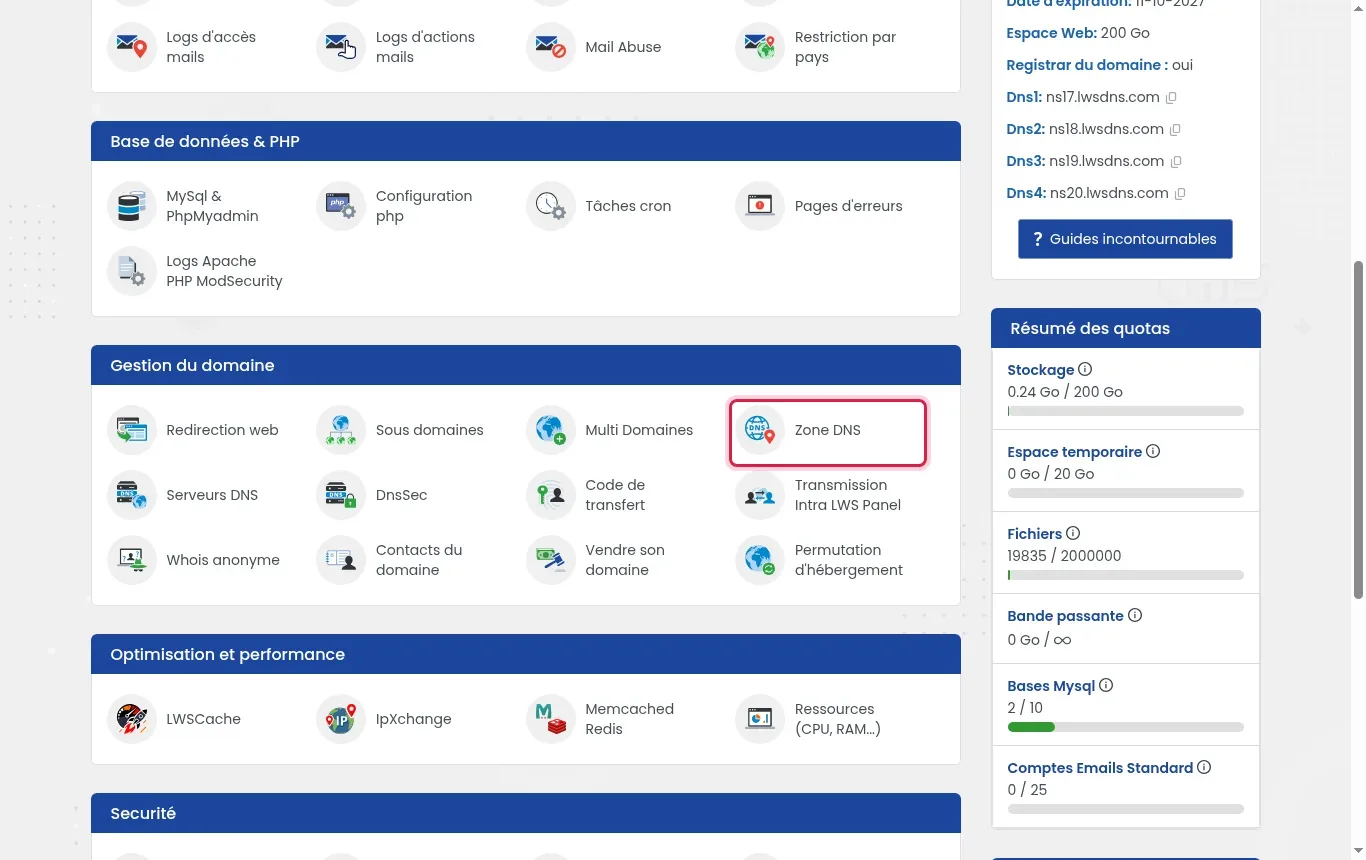
Once in your hosting management, go to "Domain Management" and click on "DNS Zone".

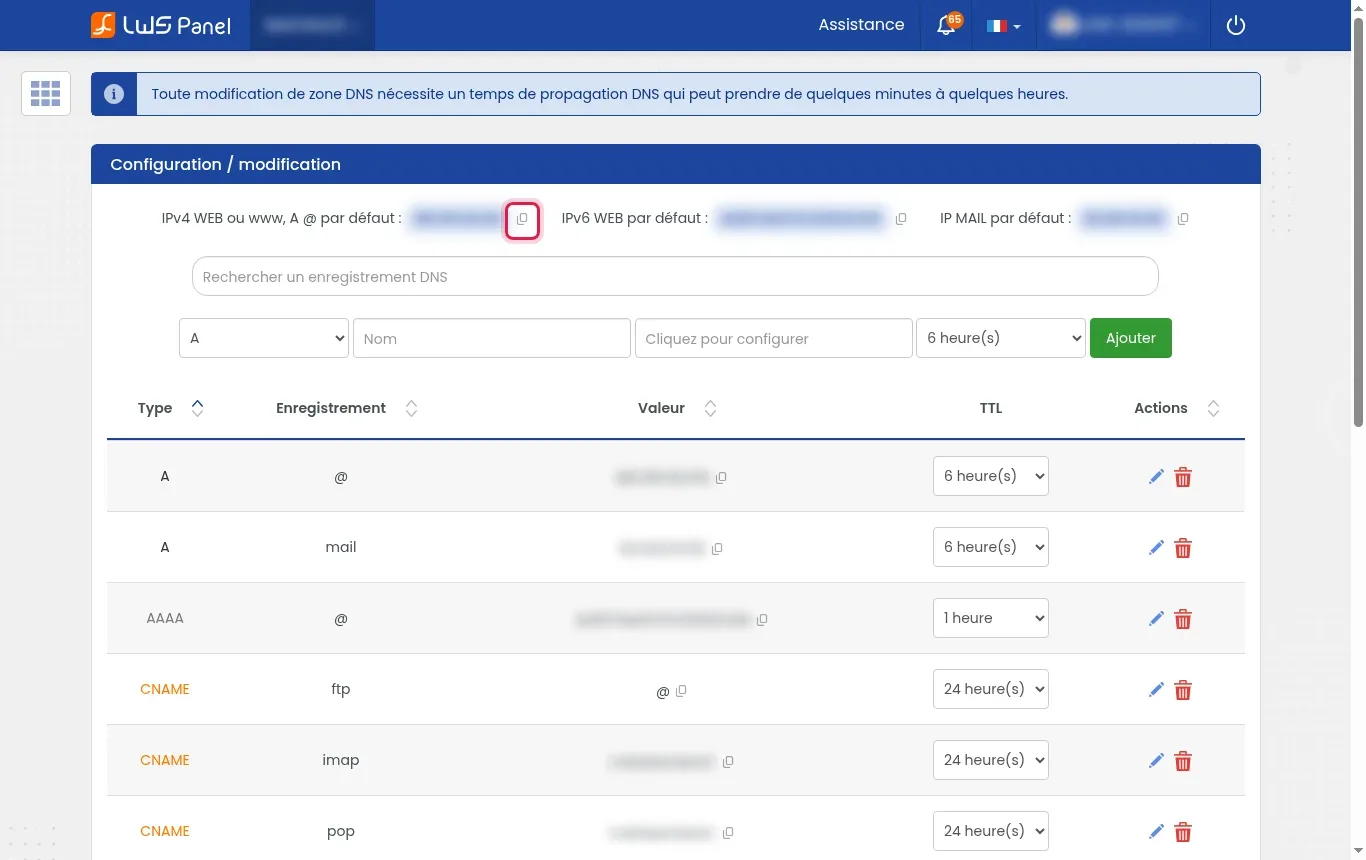
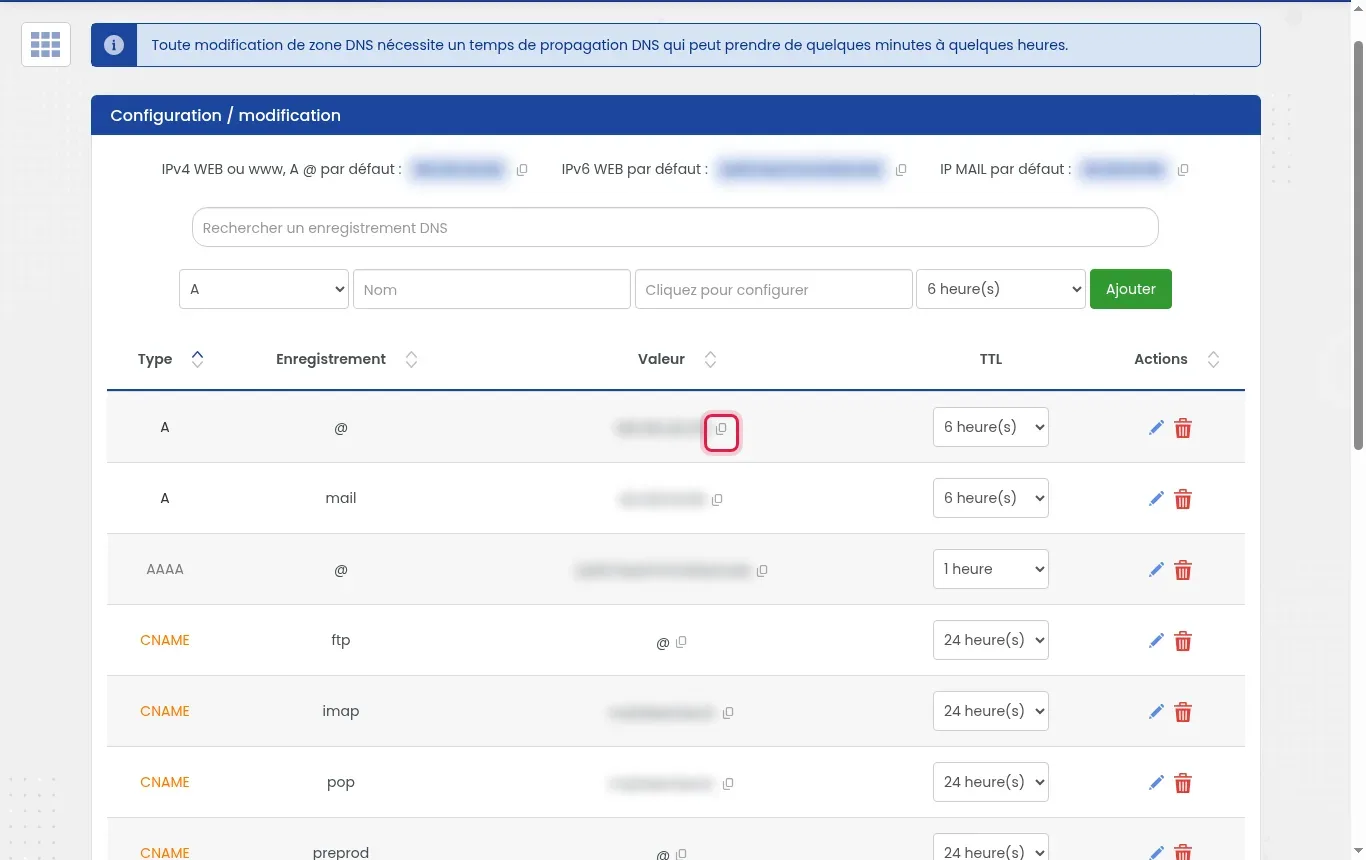
Here we are on the DNS zone management page for our domain, but what interests us is the line at the very top of the DNS zone, with the IPs of our Web server and our Mail server.

You can click on the little "copy" button next to the IP addresses to copy them
.
II. On cPanel hosting
First you need to access your cPanel.
As soon as you are on your cPanel, you will find on the right of the main page, a menu called "General Information" and in this menu, you will find "Shared IP Address".

On a cPanel, you will only find one IP for your different services: Web, MySQL and Mail
.
III. On Plesk hosting
First of all, you need to connect to your LWS customer space to access your hosting management.
Once on your hosting management page, access your Plesk hosting.
Once you are on your Plesk panel, you will see the list of domains attached to Plesk. Choose your domain and click on "Hosting and DNS" (1) then click on "DNS Settings" (2).

Once you have reached the DNS zone management page, you will need to locate the two A records for mail and web, and you will find the IP addresses associated with these two services.
(mail.demo.... = Ip of the mail server) (demo21....= Ip of the web server)

If you have modified the DNS zone at this level, you will need to contact
LWS support to recover the IP addresses
.
IV. On VPS hosting
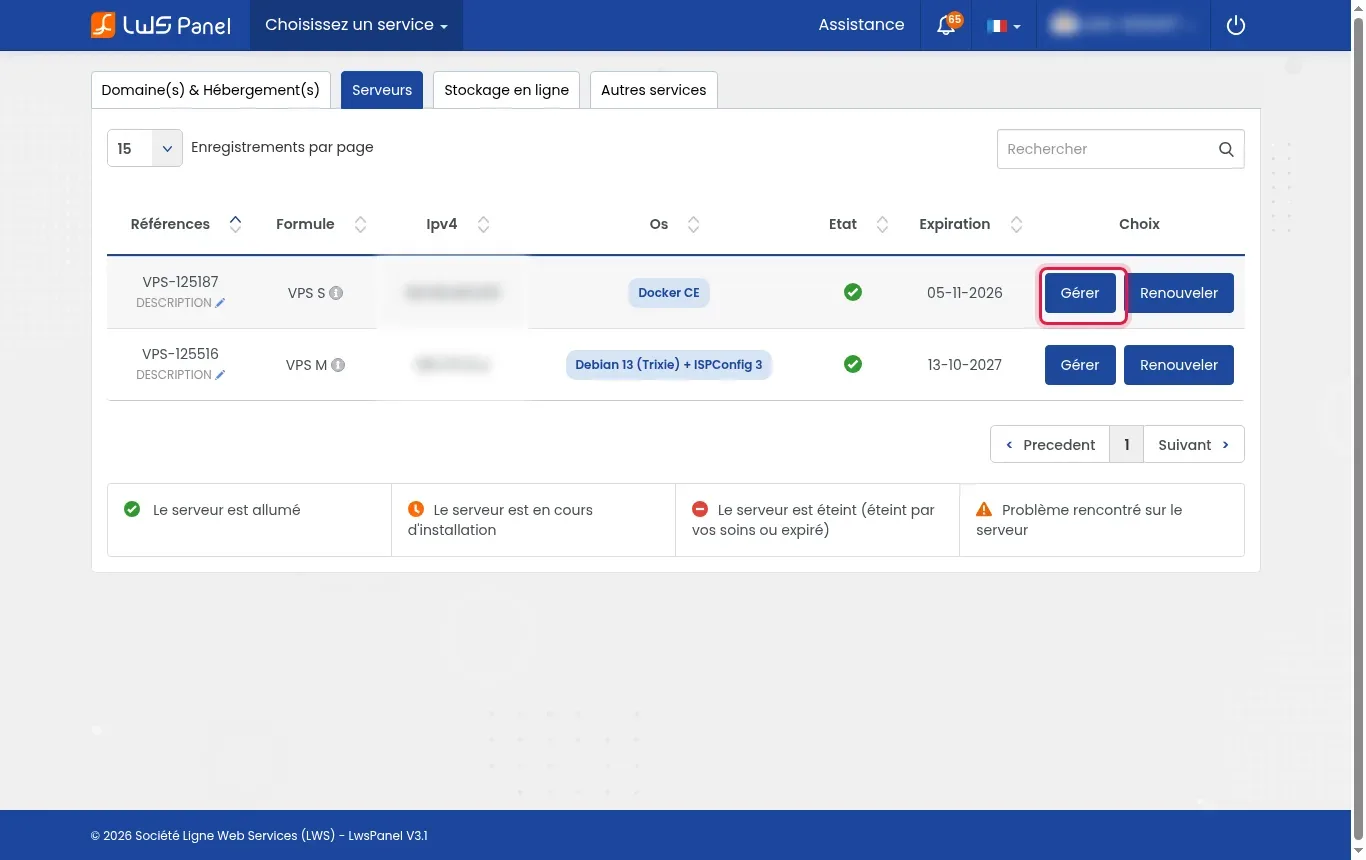
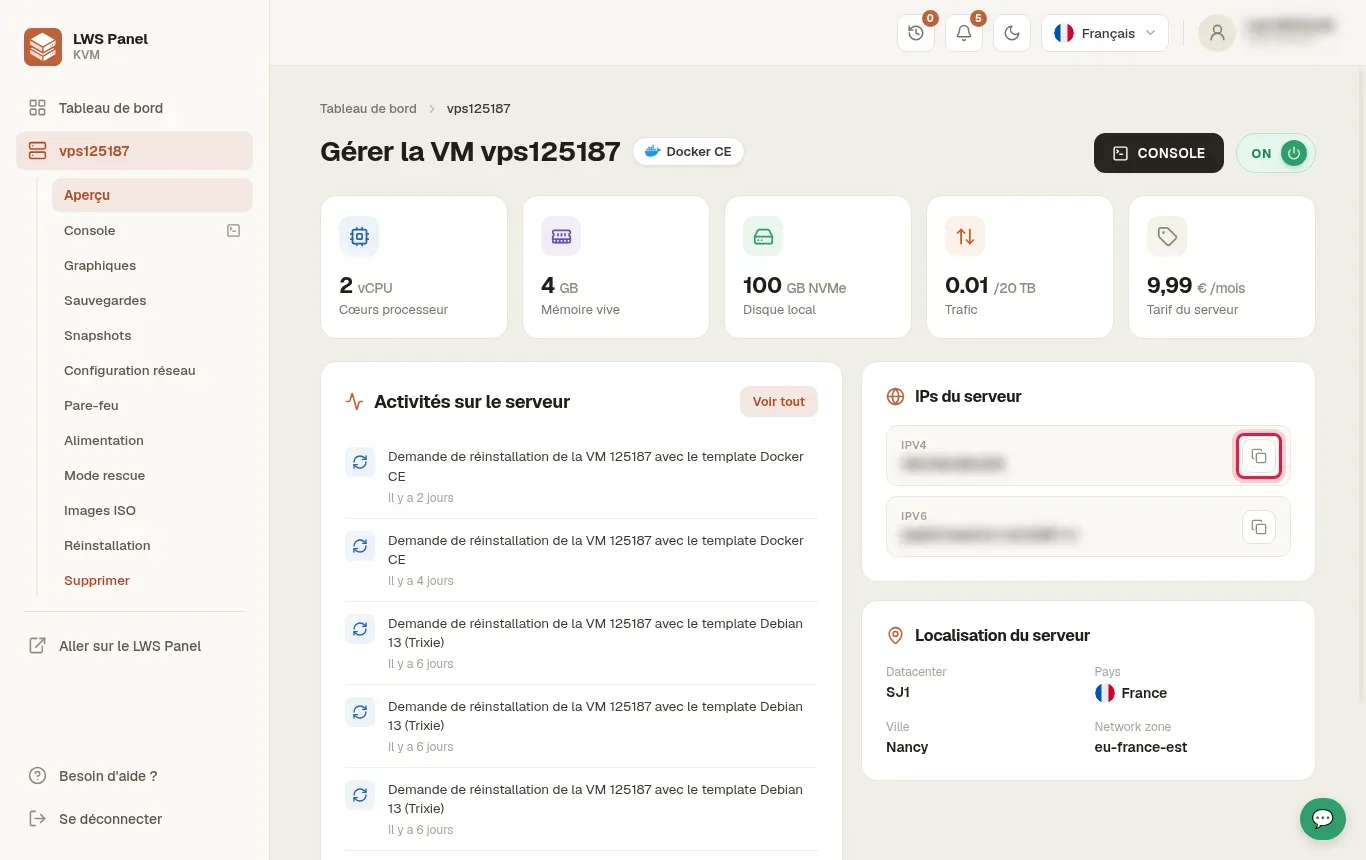
First of all, you need to connect to your LWS customer area to access the management of your VPS hosting.
Once on the management page of your VPS hosting, you will find Account Information on the right of your screen and you will find the IP address of your VPS server.

On a VPS, the server IP corresponds to the IP that will be used by all your services: Mail, Web, MySQL and others
.
Conclusion
Congratulations, you now know how to retrieve the IP addresses of your LWS services, whether you're using cPanel, PLESK or a VPS. The information is easily accessible from your LWS panel. With this knowledge, you'll be better equipped to manage your LWS hosting efficiently. Don't forget, LWS customer service is always available if you run into problems or have additional questions.
