
Online help
The web host accessible to all
Procédure
This article applies to the Messagerie Pro Premium package, which lets you create professional email addresses with sharing functions and synchronisation of contacts and calendar.
In this documentation, we'll look at how to configure your shared address book from your iPhone or iPad.
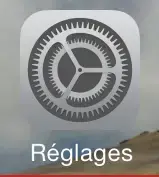
Select the Settings icon:
Then Mail, Contacts, Calendar:

Add an account:

Select Other:
Add a CardDAV account:

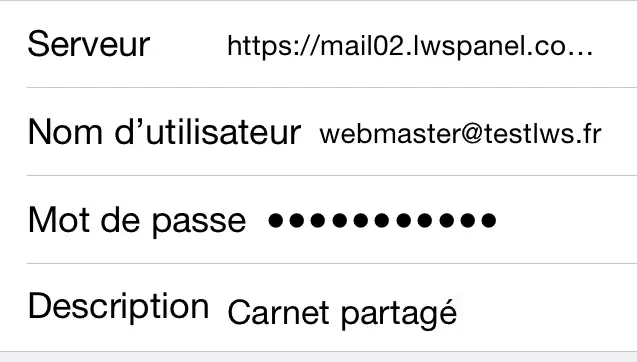
Here we specify the various parameters for connecting to the carddav server. For the example, we'll use the address webmaster@testlws.fr:
Server: https://mail02.lwspanel.com/contact-ios/webmaster@testlws.fr
(replace this link with the one you received by email)
User name: webmaster@testlws.fr
Password: The one entered when the mailbox was created
Description: Name of the notebook
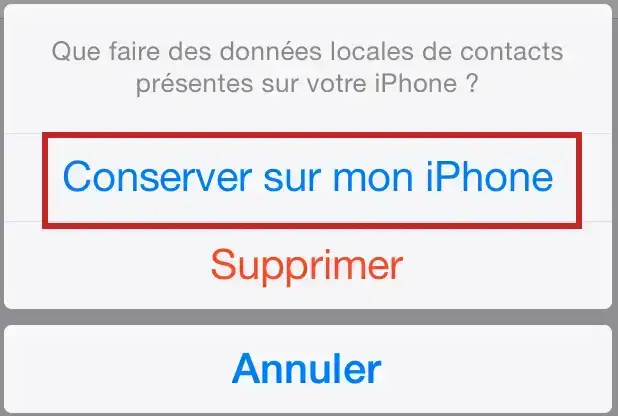
To the question"What to do with the local contact data on your iPhone", answer"Keep on my iPhone":
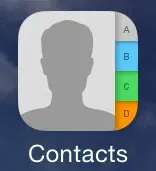
Contacts icon :
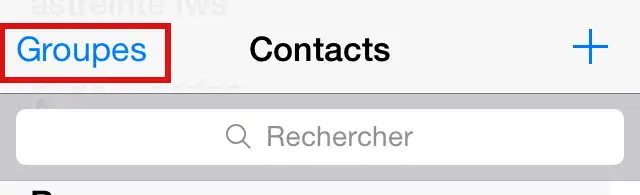
Then Groups:
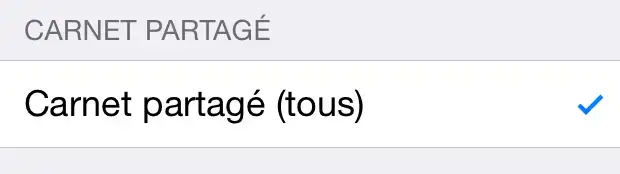
Select the book previously created:
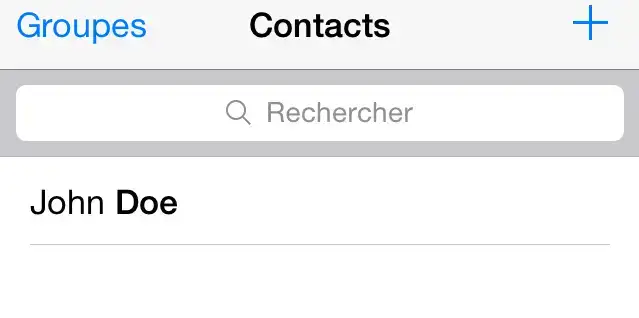
Then OK and we find our contact John DOE.
Ask the LWS team and the community. Answers are published after moderation.
 About LWS :
LWS is a 100% French web hosting company that focuses on quality and innovation and offers a responsive and competent technical service at affordable prices.
About LWS :
LWS is a 100% French web hosting company that focuses on quality and innovation and offers a responsive and competent technical service at affordable prices.



 Yes
Yes No
No