
Online help
The web host accessible to all
Procédure
This article will help you use the LWS help system to find documentation that answers the questions you have.
We will also explain in this documentation how to ask a question if you still have a query and the proposed document does not satisfy it.
Finally, the procedure for rating a documentation page is also detailed there.
You can access our online help from this URL: https://aide.lws.fr
From the LWS customer area, simply log in to celui-ci. Then click on "Online help" located in the "support, plans and options".
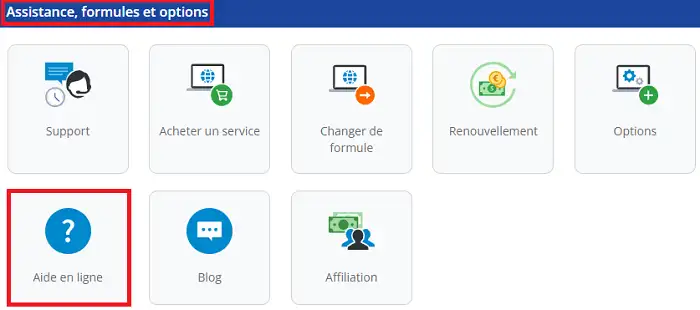
You are redirected to the "Online help" page.
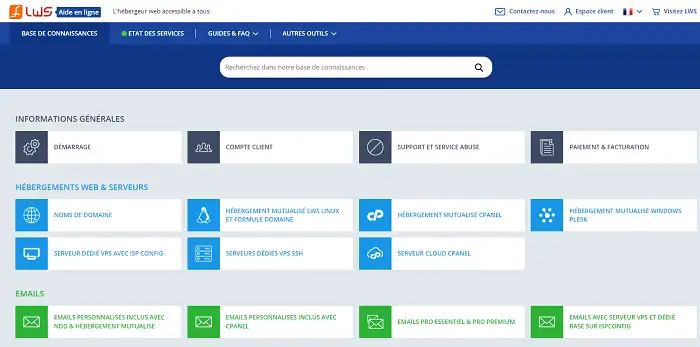
On this page, you will find the different help sections that make it easier for you to find what you need. The sections are organized by theme as follows:
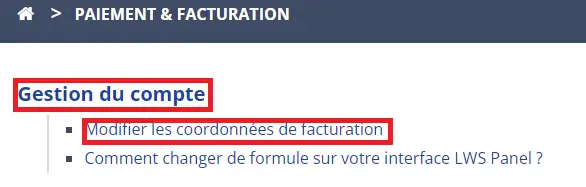
Click on the section of your choice, then on the relevant subsection to display the help. For example, in the "General information" section, click on "Payment and billing".
.webp "Click to display the original image")
As you can see, you are on the main categories:
Click on the documentation of your choice to display the full procedure concerned.
To perform a search in the help, go to our page https://aide.lws.fr
Use the search bar to find documentation in our knowledge base:
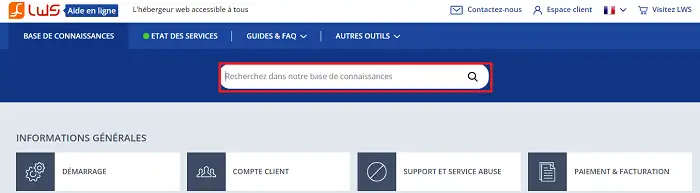
For example, if you search for "billing", a drop-down list will be displayed:
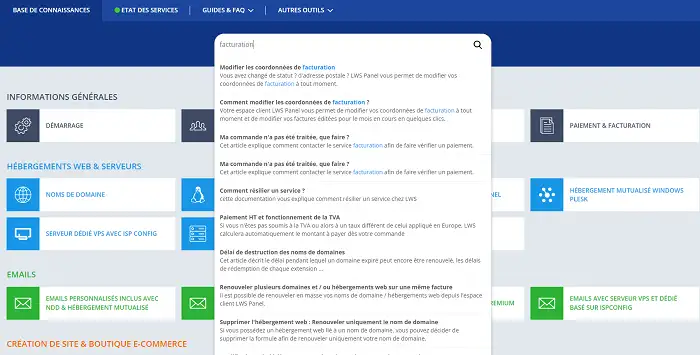
or simply by clicking on the magnifying glass in the search bar
On each of our documentations, you have the possibility to ask questions and rate them. A technician will answer your question as soon as possible. If needed, they can also open a ticket for you on our support platform, which you can view by going to your LWS customer area and then clicking on "Support".
To ask a question, fill in the various fields (question, username and email address):
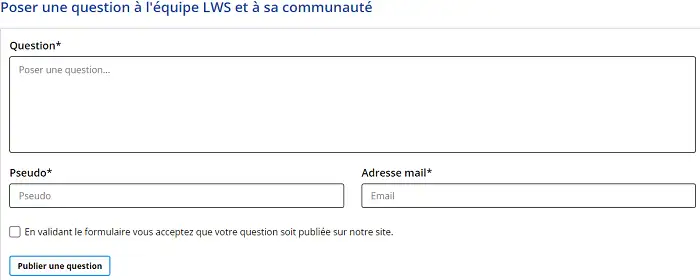
Finally, click on the "Publish a question" button.
Indeed, this data will be visible in plain text on the documentation once the question has been validated and answered by one of our agents.Do not enter personal data in the comment!
To rate a help article, simply hover your mouse over the stars.

You also have the option to tell us whether this article was useful to you.
Now you know how to search for documentation in the LWS help, as well as how to rate documentation and post a question.
Ask the LWS team and the community. Answers are published after moderation.
 About LWS :
LWS is a 100% French web hosting company that focuses on quality and innovation and offers a responsive and competent technical service at affordable prices.
About LWS :
LWS is a 100% French web hosting company that focuses on quality and innovation and offers a responsive and competent technical service at affordable prices.



 Yes
Yes No
No