






 Yes
Yes No
No
How do I create a 2nd. or 3rd. calendar?
Hello,
Thank you for your message.
I understand that you may need to create a new calendar on Roundcube. If you would like to do this, please follow these steps:
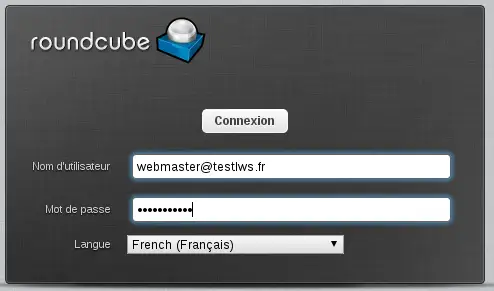
- Log in to your Roundcube e-mail address
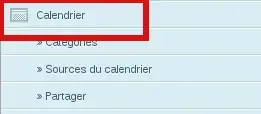
- Go to the Calendar section
- Next to Calendar, click on the three small dots and select"Add Calendar".
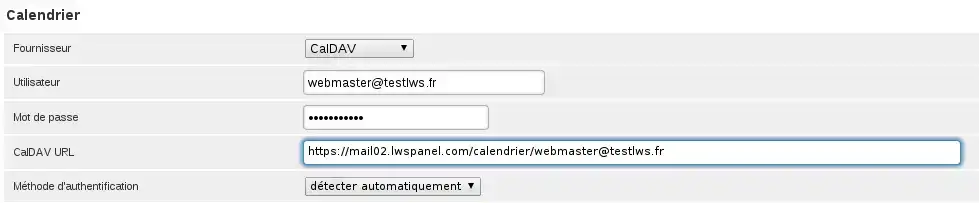
- A new window should open and all you have to do is fill in the associated fields, except for the CalDAV URL field.
- Don't forget to enter your e-mail password in the last field.
- Validate with Save and you should have a new calendar.
I thank you for your attention and remain at your disposal should you have any further questions or require additional information.
Sincerely, The LWS Team
Was this answer helpful?
 About
About 